
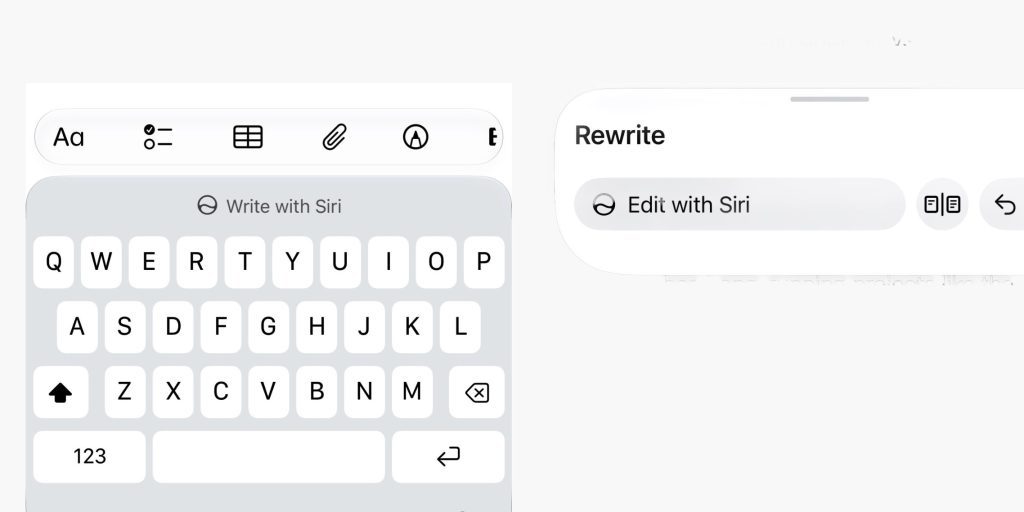
iOS 27 beta 2 includes our first look at the new Write with Siri features, which replace the standalone Writings Tools feature introduced as part of the first wave of the iOS 18 Apple Intelligence rollout.
When editing text, the keyboard now prompts the user to write with Siri. This allows you to ask Siri using natural language request to generate new text, proofread what is already there, rewrite it into another style, and more.
The older Writing Tools panel with dedicated buttons like ‘Friendly’ and ‘Professional’ has been removed in favor of this new Write with Siri system.
You can try this out for yourself in an app like Notes, or most apps that use the standard system text components.
When tapping the Write with Siri button, an input field expands from the Dynamic Island, asking the user to enter a description of what they want to do with the current text document. Unlike the older Writing Tools, this is tightly-integrated with the rest of Siri so you can incorporate information from your personal context into your text generation tasks.
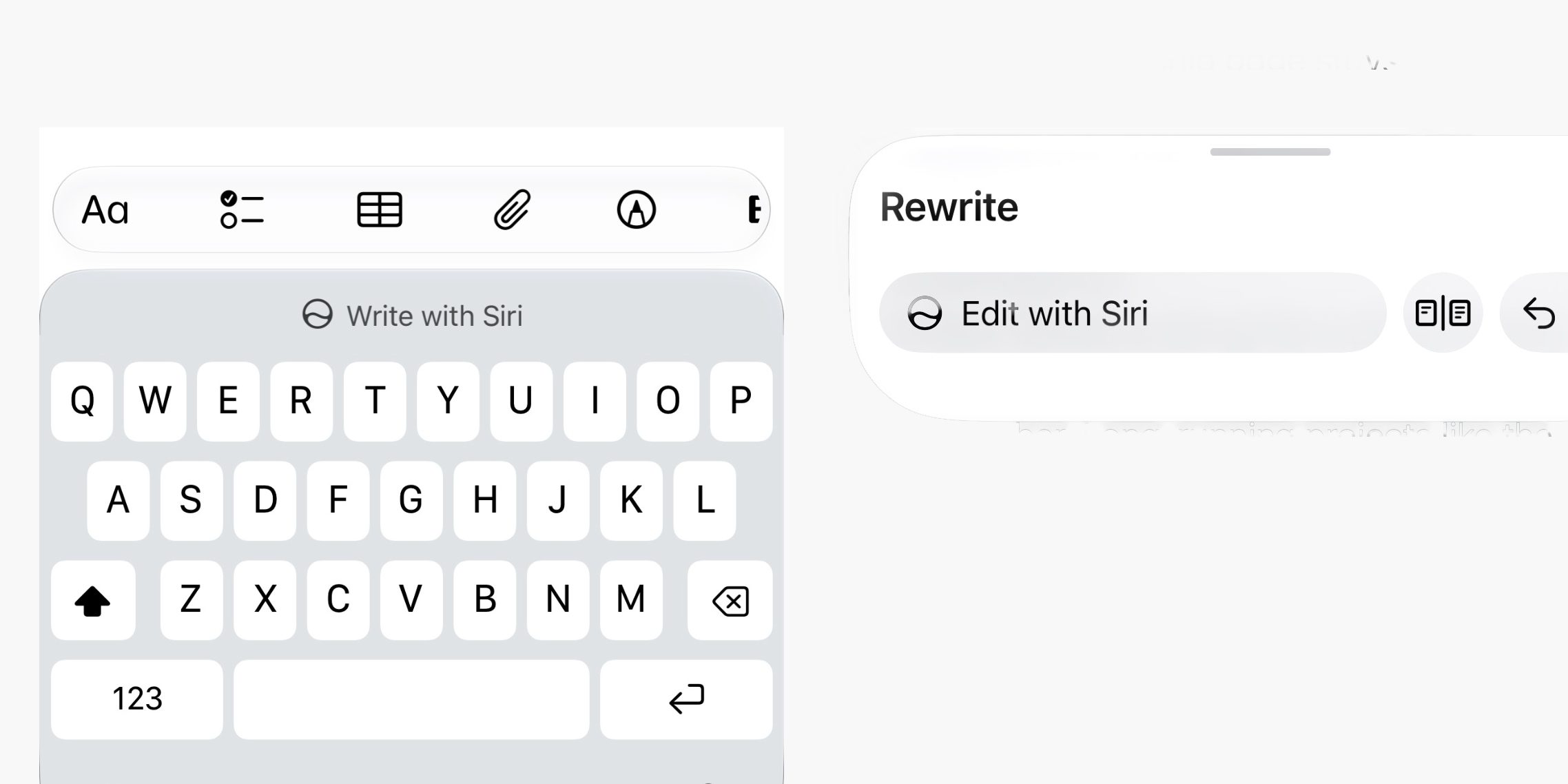
If you ask Siri to rewrite a document that already has content in it, it will make the changes and then present a new panel at the bottom of the screen, which includes a way to review changes with a snapshot of the before and after state, as well as quick undo buttons and a button to ‘Edit with Siri’ to follow up with additional changes.
